

How to Fix 3.0 Google Rating in 30 Days with Google Review QR Code
How to Fix a 3.0 Google Review Rating in 30 Days with Google Review QR Code
A rude barista tanks your cafe's Google rating to 3.0 stars in three weeks. Five brutal 1-star reviews in a row. Foot traffic drops. You're panicking. This exact situation is fixable — and fast.
Real Cafe Case – 30 Tables • 4 Staff • 2 Doors
One employee was mouthy, slow, and consistently messed up orders. You fired them the day you saw the 1-star avalanche. Now the challenge is turning the rating around before the damage becomes permanent.
10-Step 30-Day Recovery Plan
1. Respond publicly to every negative review (Days 1–3)
Apologize sincerely. Own the mistake. Offer a personal fix. Respond within 24 hours — Google rewards fast replies with better visibility.
2. Remove the root cause (Day 1–2)
Let the toxic employee go immediately. Train remaining staff on the new "every customer gets asked" rule.
3. Install 5 Google Review Stands (Week 1)
Strategic locations: 1 at each register, coffee pickup station, pastry counter, and side exit.
4. Place 2 large door stickers (Week 1)
One on inside of front door, one on side door. Text: "Loved it? Tap or scan to leave us a quick Google review"
5. Add 15 subtle 2×2" table stickers (Week 1)
Every other table (15 total). Match sticker color to table top. If tables are dark, stick to napkin holders.
6. Daily review request script (Week 2–4)
At register: "If you enjoyed your visit, would you mind tapping this to leave us a quick Google review?" Point to stand or hand NFC card.
7. Respond to every new review within 12 hours (Ongoing)
Even 5-stars get a thank-you. Builds momentum and trust.
8. Upload 50+ fresh photos (Week 2)
Food, drinks, interior, smiling staff. Fresh photos dramatically boost click-through.
9. Run 7-day "Review & Cookie" promo (Week 3)
"Leave a Google review → get a free cookie next visit." Allowed by Google as long as it's not conditional on star rating.
10. Monitor & maintain (Week 4+)
Keep stands clean, restock stickers, respond fast. Aim for 8–12 new reviews/week ongoing.
Recommended Google Review QR Code Tools
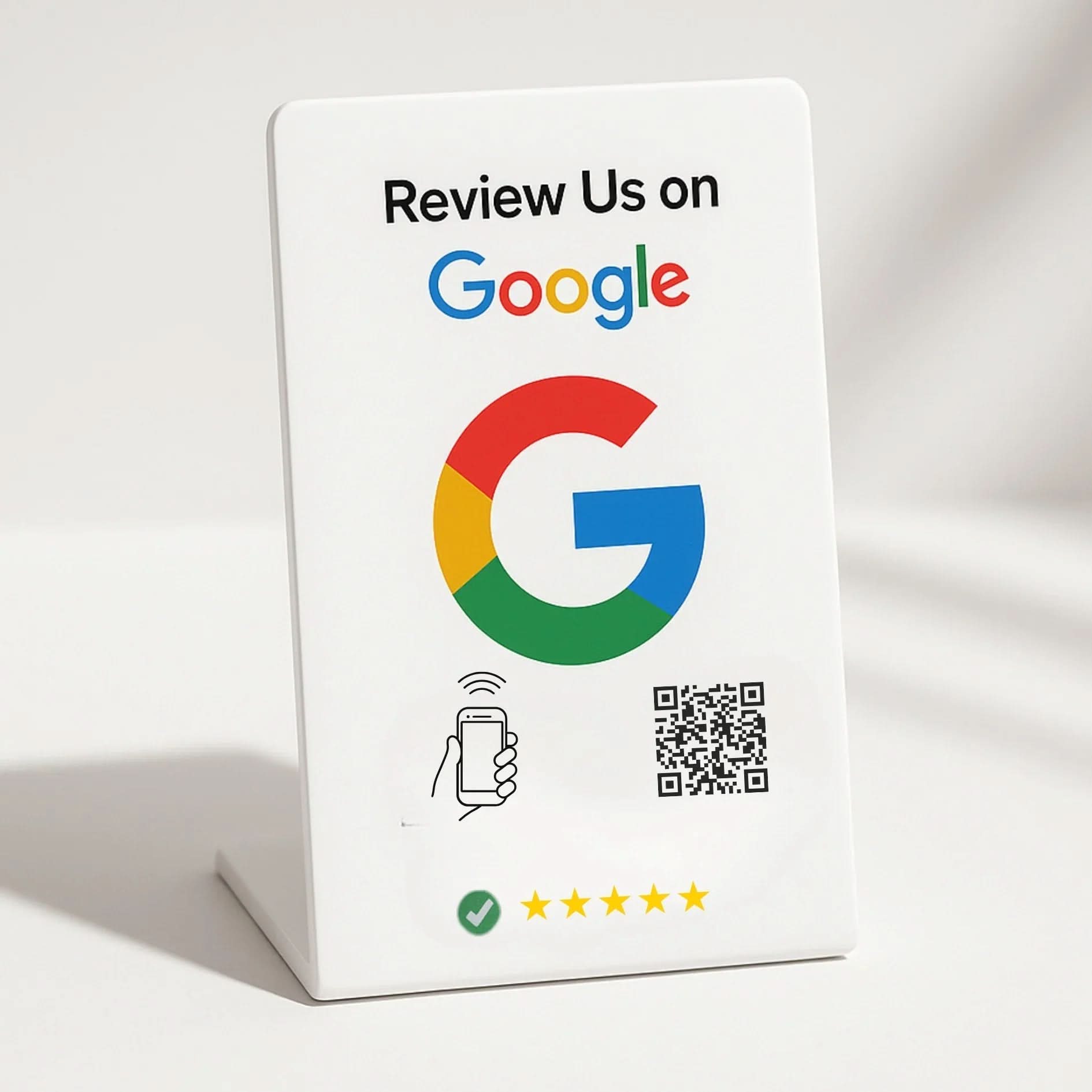
Perfect for counters and high-traffic spots. Instant tap or scan.
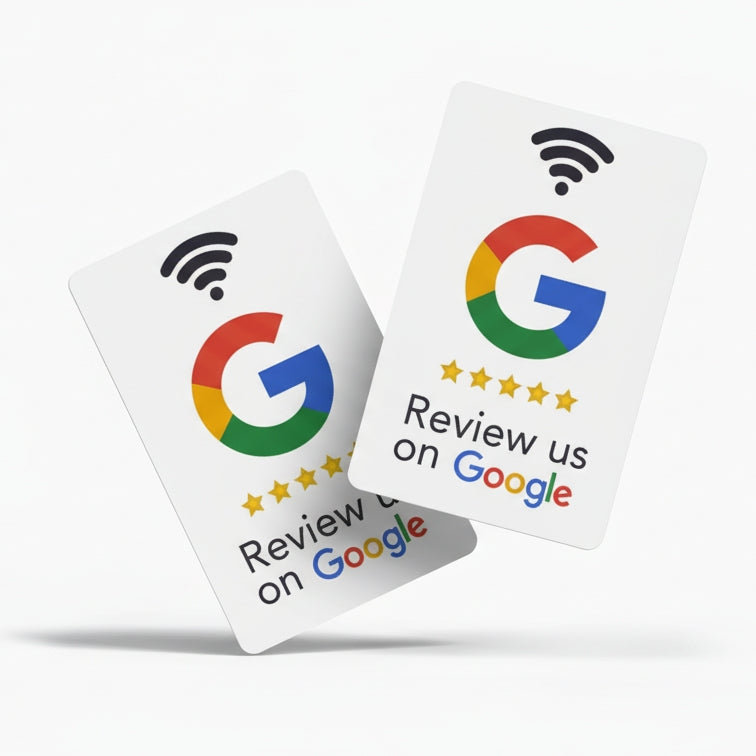
One tap opens Google review page. Works on iPhone & Android.
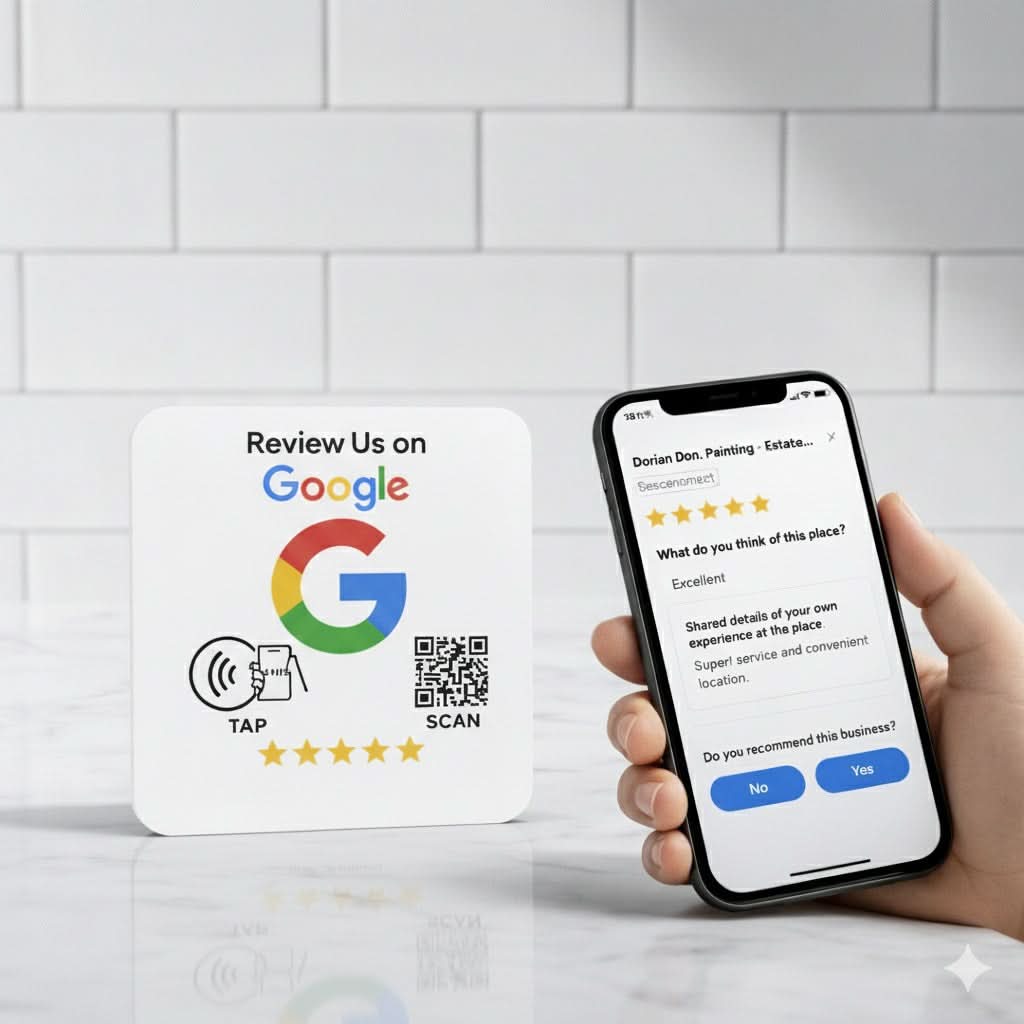
Wall or door mount. Great for entrance and exit visibility.
FAQ – Google Review QR Code
Is using Google review QR code allowed by Google? Yes — as long as every customer gets the same link.
How many QR tools for a 30-table cafe? Minimum: 5 stands + 15 table stickers + 20 NFC cards. Anything less takes too long to fix a 3.0 rating.
Product Links
Google Review Stands • NFC Digital Business Cards • Google Review Plates • All QR Tools
Google's official review policy: Support Page
BrightLocal Local Consumer Review Survey 2025: Survey Link
Moz – Google 3-Pack ranking factors: Moz Ranking
Reddit Business Owners: Do NFC Google Review Cards Actually Increase Reviews? Real Data & Setup
Why Simple Google Review Cards & Stands Outperform Custom Designs — Every Time
Related Posts

How Texas Businesses Should Place NFC & QR Review Tools for More Customer Feedback

How to Choose the Right Google Review Product for Your Business: Cards, Stands, Plates, Stickers & NFC Tools

How Many Google Review Cards Do I Need? | TAPro Math & Local SEO Blueprint

50 Ways Restaurants Use NFC Technology to Increase Sales, Improve Customer Experience & Grow Faster

The Best NFC Google Review Systems in 2026: Complete Buyer’s Guide

Why Your Competitor Gets More Google Reviews Than You

Stop Asking For Reviews. Build A Review System Instead.
